- Home
- Masterclasses
- Additive Manufacturing & CAD
Additive Manufacturing & CAD Design
Move into modern manufacturing. Five days hands-on with industry-standard CAD software and 3D-printing workflows — from blank canvas to finished prototype.
Free after redundancy in Wales with Welsh Government ReAct+ funding
What you'll learn on the Additive Manufacturing & CAD course.
Additive manufacturing is transforming how products are designed, tested and produced — from aerospace to healthcare to consumer goods. Welsh manufacturers are adopting these technologies fast, and they need people who can operate them.
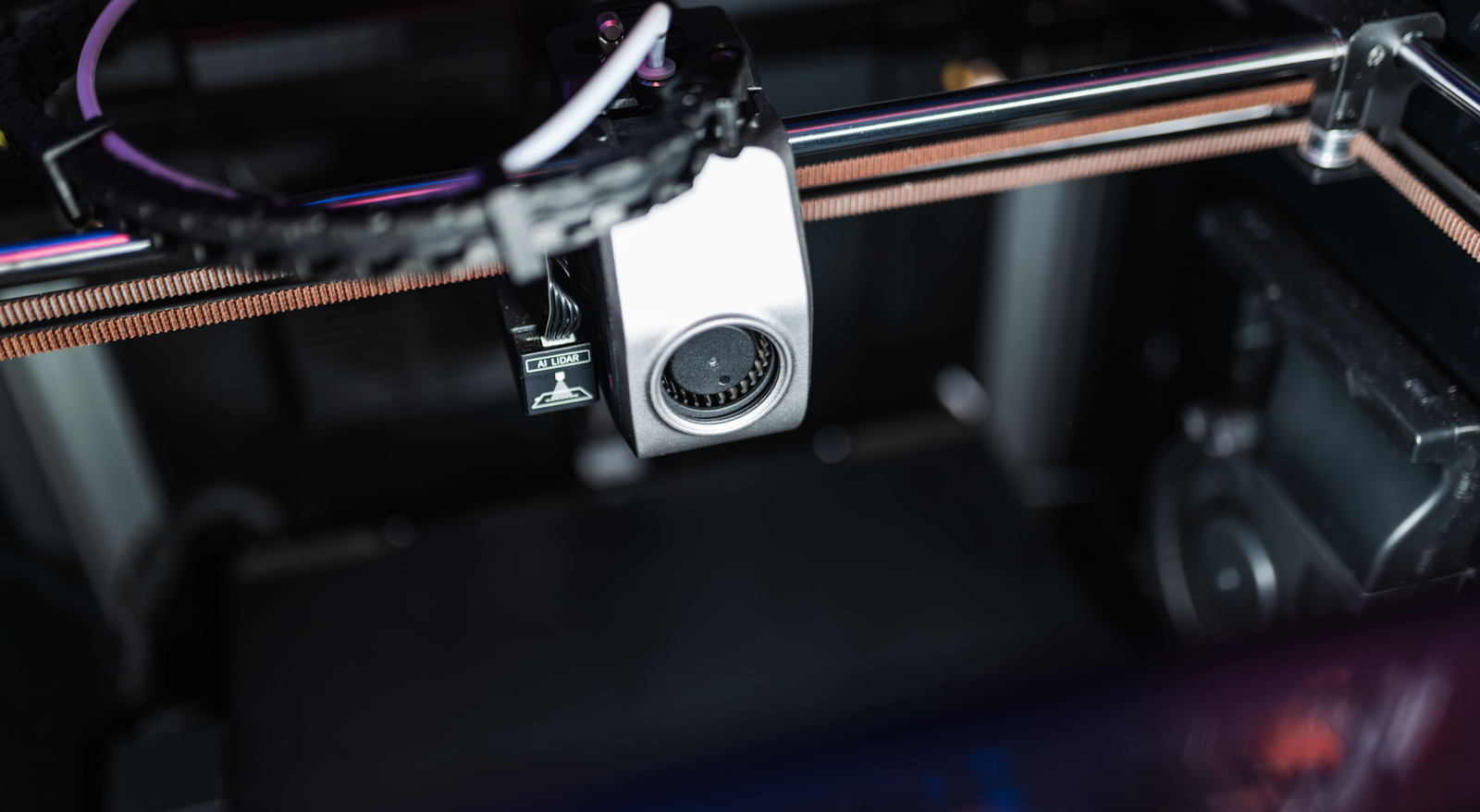
This five-day course takes you from zero CAD experience to producing a fully designed and 3D-printed prototype. You'll learn Fusion 360, slicing software, material selection, and the design thinking that makes additive manufacturing viable.
No prior CAD or 3D printing experience needed. You just need spatial curiosity and a willingness to iterate.
Five days, one step at a time.
Mornings are taught sessions. Afternoons are hands-on labs where you build something real.
-
Day 1
3D Modelling Fundamentals
Your first 3D model — understanding 3D space, sketching, extruding, and basic solid modelling.
- Introduction to 3D design
- Fusion 360 interface & navigation
- 2D sketching in 3D space
- Extrusions & revolves
- Basic modifications (fillet, chamfer)
- Design history & parametric modelling
LabModel a practical object from scratch in Fusion 360
-
Day 2
Advanced CAD & Assembly
Multi-part assemblies, joints, and the CAD skills that separate prototypers from professional designers.
- Multi-body & component design
- Assembly joints & constraints
- Section analysis & interference
- Pattern features
- Sheet metal basics
- Rendering & visualisation
LabDesign and assemble a multi-component product
-
Day 3
Design for Additive Manufacturing
Not everything designed in CAD prints well. Learn the rules, constraints and optimisations for successful 3D printing.
- FDM, SLA, SLS process overview
- Design rules for FDM printing
- Support structures & overhangs
- Wall thickness & infill
- Tolerances & fit
- Topology optimisation basics
LabRedesign a part specifically optimised for 3D printing
-
Day 4
3D Printing Operations
Hands-on with real printers. Slicing, material selection, bed preparation, printing, and troubleshooting.
- Slicing software (Cura/PrusaSlicer)
- Material selection (PLA, PETG, TPU)
- Print settings & profiles
- Bed adhesion & calibration
- Print monitoring & troubleshooting
- Post-processing (sanding, finishing)
LabPrint your optimised design and iterate based on results
-
Day 5
Prototyping & Production
From prototype to product. Iterative design, costing, production planning and presenting your work.
- Rapid prototyping workflows
- Iterative design methodology
- Cost analysis for additive vs traditional
- Production planning
- Quality control & inspection
- Portfolio & presentation preparation
CapstonePresent your complete design-to-prototype workflow

Three real projects for your CV.
You leave with work you can show an employer, not just a certificate.
Working 3D-Printed Prototype
A physical product you designed, optimised, printed and finished — tangible proof of your skills.
CAD Portfolio Piece
A professional Fusion 360 project with full design history, assembly, drawings and renders.
Design-to-Production Workflow
Documented workflow from concept to printed part including material selection, costing and iteration.
Is this course right for you?
Best for: Designers, engineers, manufacturers, makers.
This is for you if…
- Manufacturing workers wanting modern digital skills
- Designers interested in rapid prototyping
- Engineers wanting to add additive manufacturing knowledge
- Career changers attracted to product design and making
- Anyone curious about how 3D printing really works
It's probably not for you if…
- You already use Fusion 360 or SolidWorks professionally
- You want purely software-based design without physical making
- You need industrial-scale manufacturing (injection moulding, CNC)
- You're looking for jewellery-specific or artistic 3D printing
Related courses.
Every course is five days and fully fundable through ReAct+. See all 13 free courses

Your next chapter starts a week on Monday.
Five days is all it takes. Check you qualify, then reserve your place on the next Additive Manufacturing & CAD course.